
System Operations at enterprise scale
Run at scale, with full control over every job, every project and every deployment.
On this page
 Proven platform
 Large-scale & long-running jobs
 One Admin Center
Built on a proven platform
One enterprise-grade platform — more than a decade in production — powering every appRules engine.
The appRules Platform is the shared foundation beneath the Integration & Automation, Data Migration, Data Replication & Synchronization and AI Automation engines: the same Connectors, Conditions Matrix, Actions Matrix, CRUD & API Workflow Activities, Job Monitor, Logging & Statistics and deployment options. Enterprise 360 brings them together in one subscription, with appRules Developer providing source code access across the family.
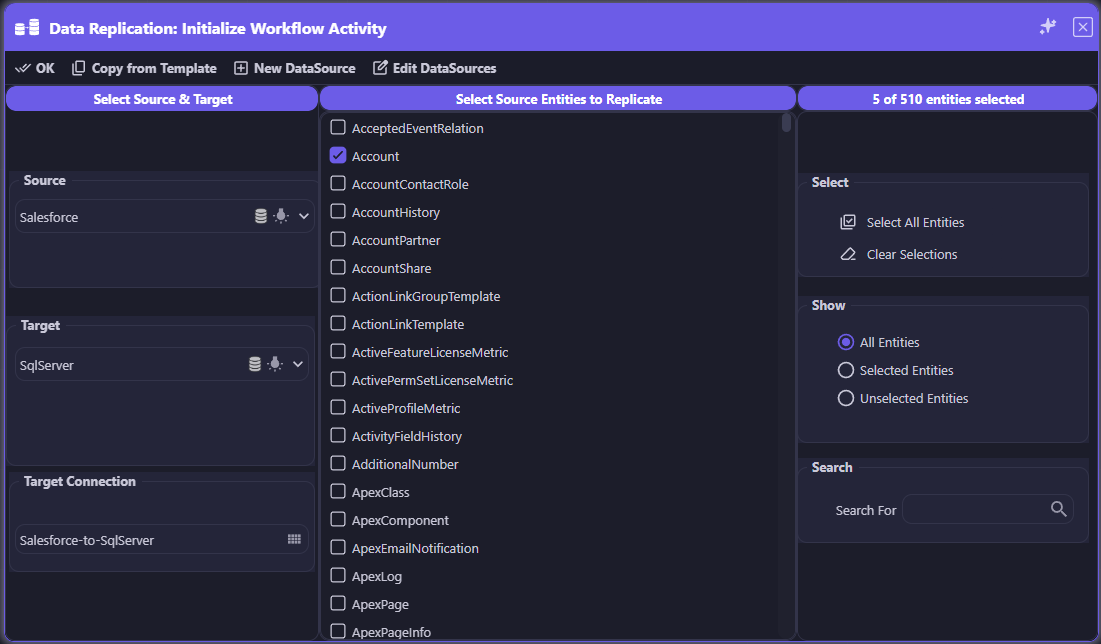
One platform, several engines
The same Connectors, Conditions Matrix, Actions Matrix and Job Monitor power every engine — learn one, use them all.
Explore Enterprise 360Proven in production
Enterprise-scale job handling, audit logs and deployment flexibility are already running mission-critical data workloads for existing appRules customers.
See the product suiteLarge-scale & long-running jobs
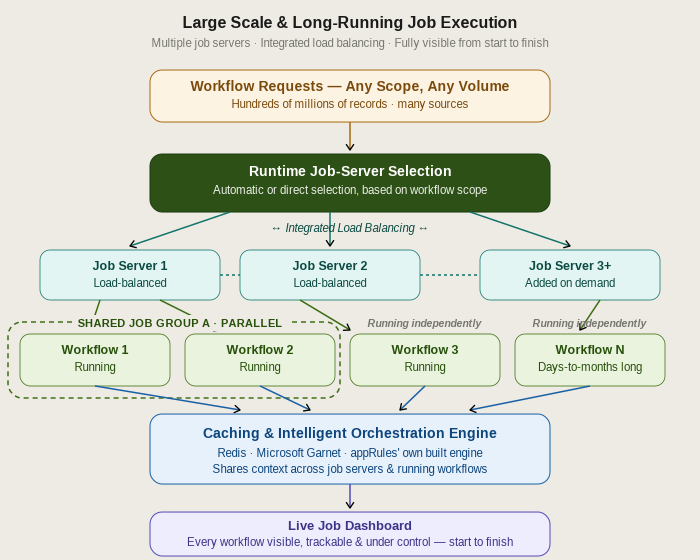
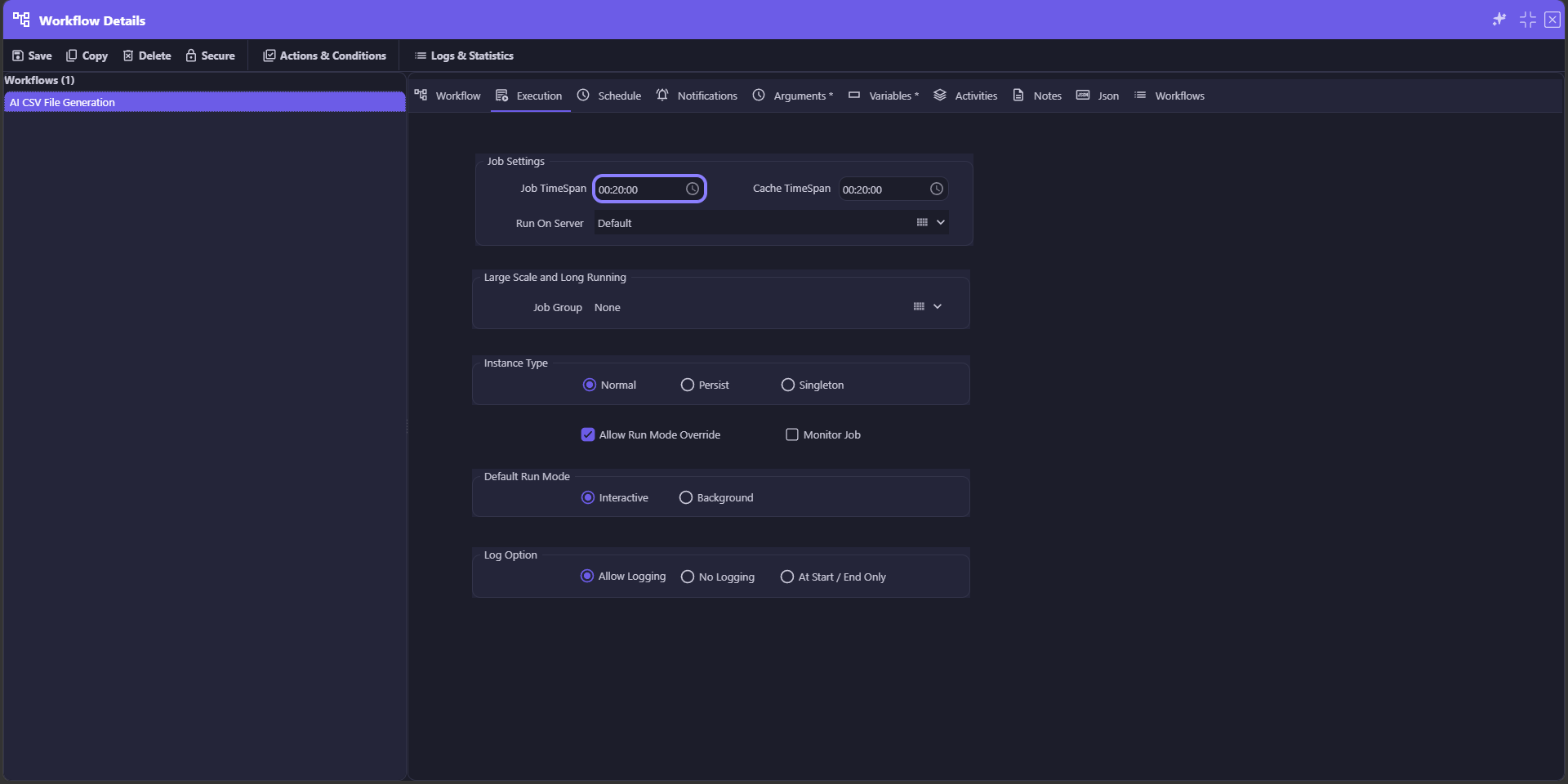
Every workflow is routed to the right job server — automatically or by direct assignment — with shared job groups, integrated load balancing and intelligent caching.
appRules supports multiple job servers, and each workflow can be selected at runtime to run on the server best suited to its scope, or assigned to shared job groups for parallel execution. Work is coordinated by integrated load balancing and by a caching layer built on Redis, Microsoft Garnet and appRules' own engine, so shared context is never recomputed.
Multiple job servers, selected by scope
From lightweight, quick-turnaround work to large, long-running jobs — chosen automatically or directly at runtime.
Integrated load balancing
Work is balanced across available job servers in real time, so no single server becomes a bottleneck.
Intelligent caching
Redis, Microsoft Garnet and the appRules caching engine give every job server a common, high-speed context layer.

Days- and months-long runs
Architected to run reliably against hundreds of millions of records from a wide variety of data sources.

Throughput on demand
Add job servers when volume spikes, then scale back down — match compute to workload instead of over-provisioning.

Every job visible & trackable
No black-box batch runs: every workflow on every job server is tracked with full status, progress and control.
One Admin Center, every project database
Every environment, every user, every workflow — organized into project databases, with one console to create, monitor and operate each of them.
A project database is a complete, self-contained appRules environment: its own Environments, Users, Connections, Data Sources, Job Groups, Workflows, and Actions & Conditions. Admin Center lets a system administrator oversee them all from one screen — embedded or SQL Server, each independently securable and schedulable.
One directory, every project database
See every project database side by side, each with its own connection string, credentials and scheduler participation.
Copy across engines
Create a project database from scratch or copy one — schema and data — even across database types, such as embedded to Azure SQL.
Full administrative reach
Environments, Users, Connections, Data Sources, Job Groups, Workflows, and Actions & Conditions in one menu.
Live system health
CPU, memory and network gauges alongside a live task list: Scheduler Service, WebAPI Service and every running workflow instance.
Real-time control over running jobs
Pause, Cancel or Set Workflow Value while a job is still running — not just watch it.

Platform-wide utilities
Master Admin Users, Site Settings, License Manager and Password Reset Email Templates.
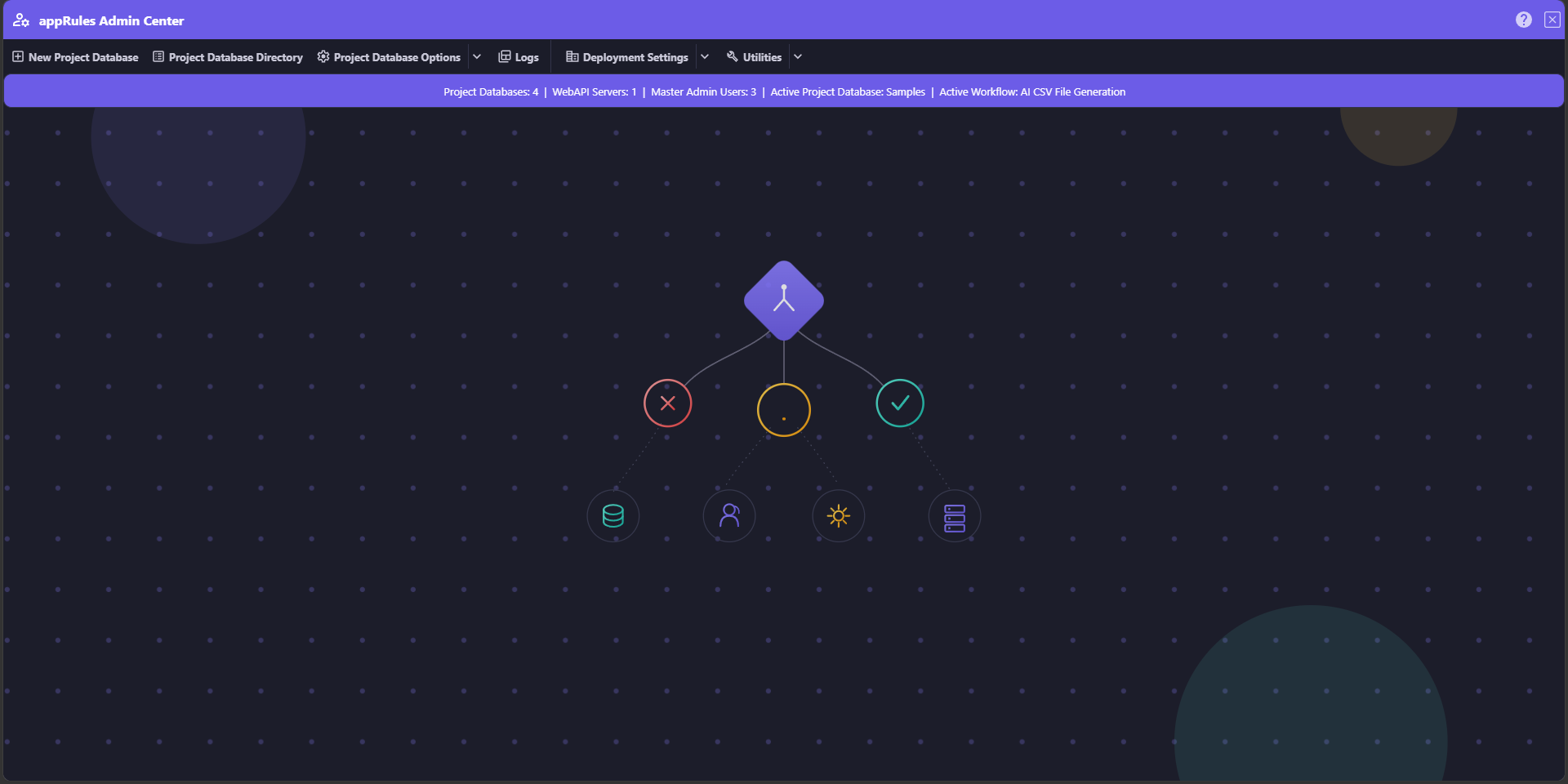
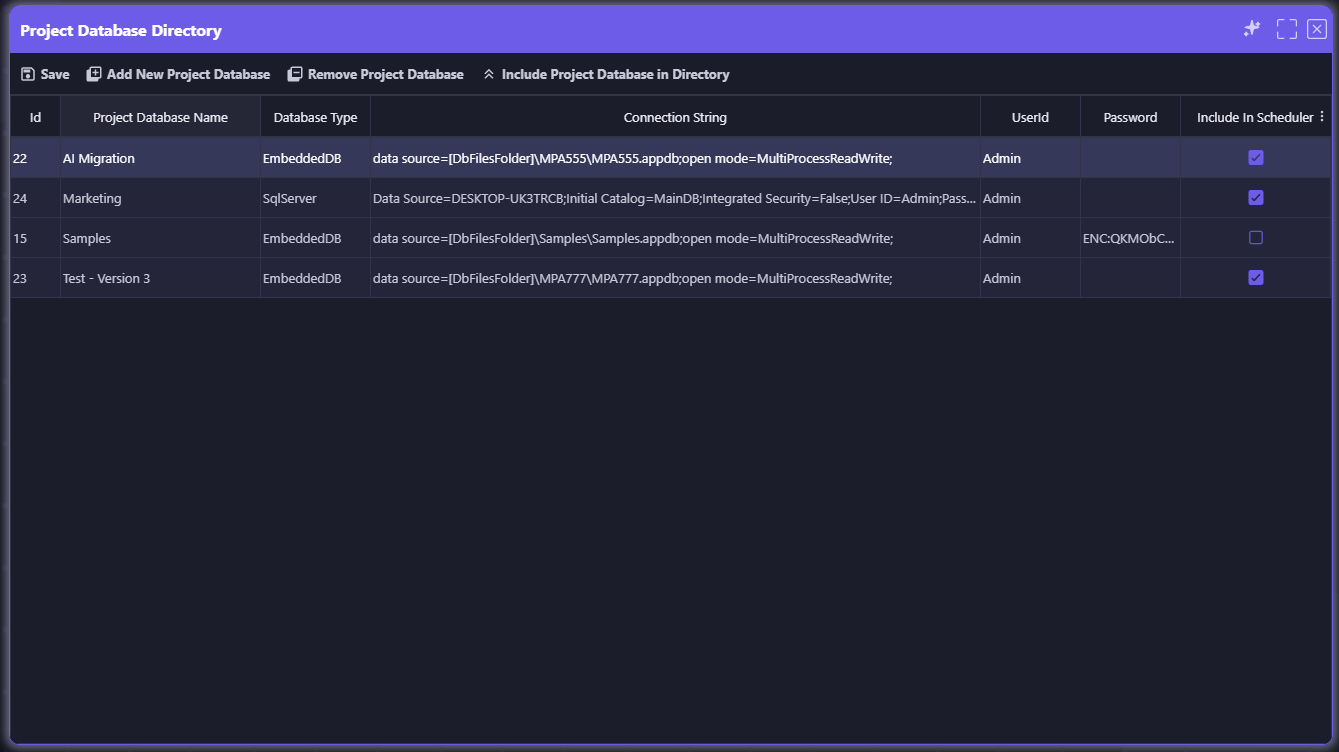
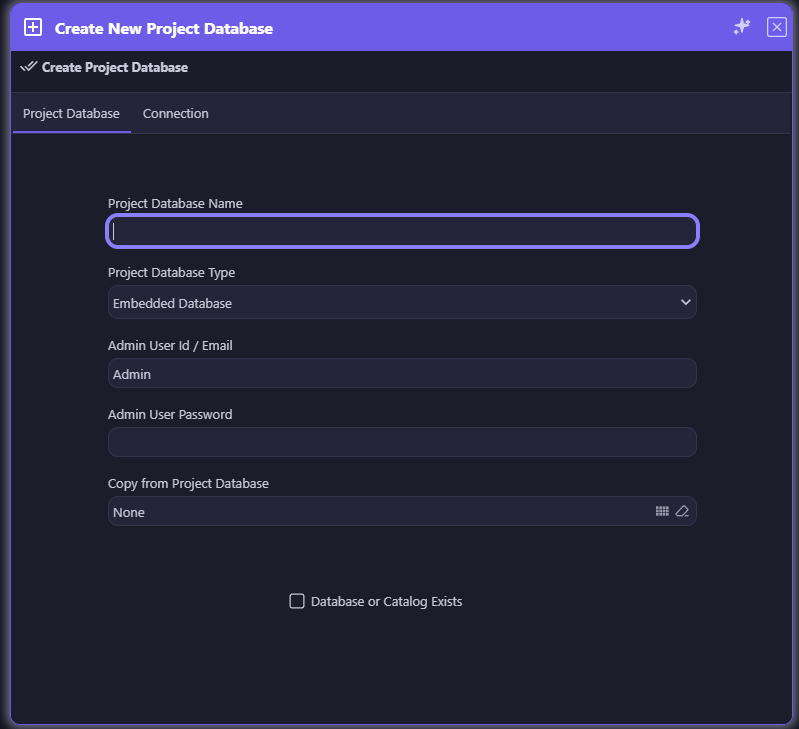
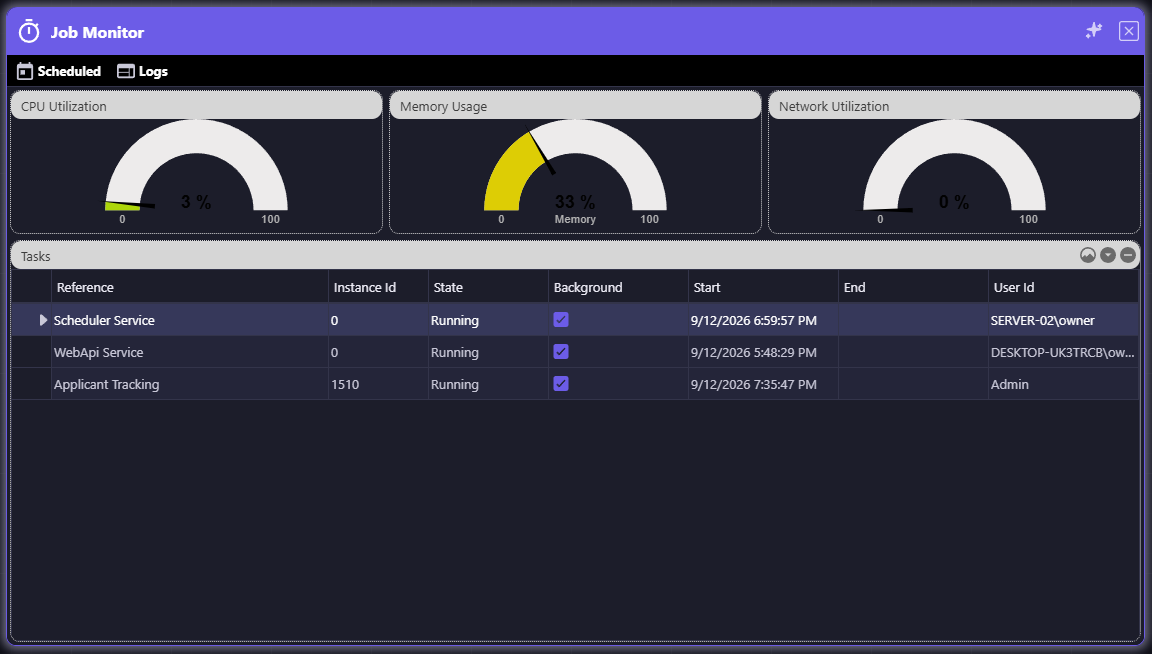
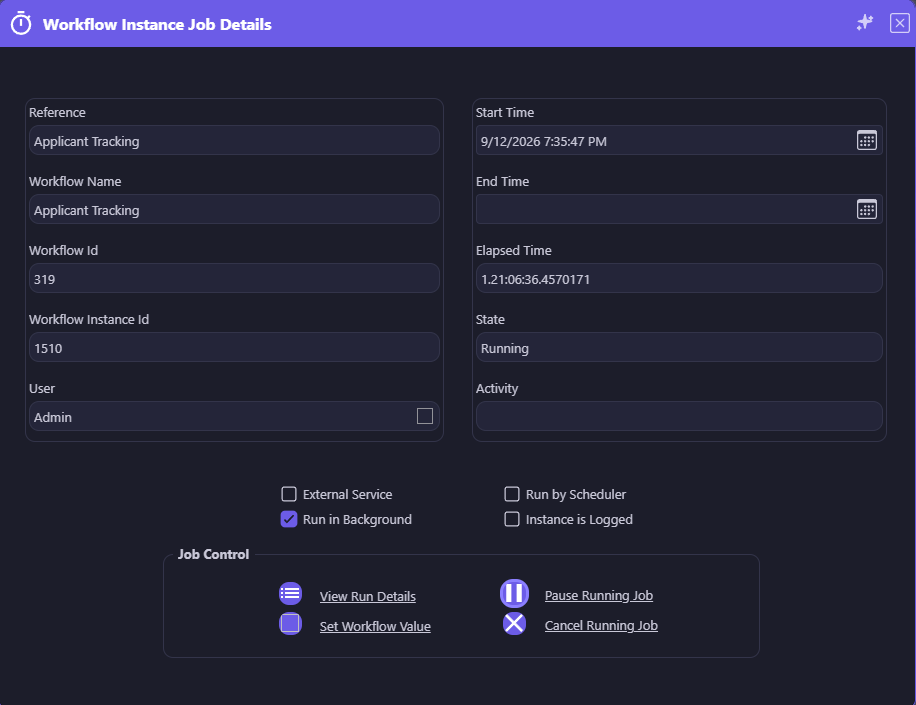
Administered centrally, secured the same way: Master Admin Users, connections and project database credentials all carry the same Secure protection used everywhere else in appRules.
Deploy where your data and policies require
Windows desktop or Windows Server — on premises, or in Azure, AWS or Google Cloud.
Operations for AI
appRules AI runs on the platform’s job servers, Job Monitor and Admin Center, with AI model statistics for every AI call.
- Job servers and load balancing
- Live Job Monitor
- AI call and token statistics
- Cloud, on-premise or hybrid
Let’s deliver something great together
Start a free trial, see a live demo, or talk to us about OEM, white label and partner opportunities.
Prefer email? sales@appstrategy.com